Digital Readiness and Solar Power: A 2026 Uptime Checklist for Pakistani Businesses
Digital readiness solar planning is the missing step in many technology projects. A business can buy excellent software, kiosks and servers, then watch them all fail at 2 pm when the feeder trips. Digital readiness is not only about apps and licences. It is about whether your screens, routers, terminals and cooling stay alive when the grid does not.
This checklist is for clinics, banks, retail chains and service counters that depend on connected equipment, and it uses solar power as the backbone for resilience.
Why Power Is the First Layer of Digital Readiness
Every digital service sits on a stack. Power comes first, then network, then hardware, then software. If the bottom layer fails, nothing above it matters.
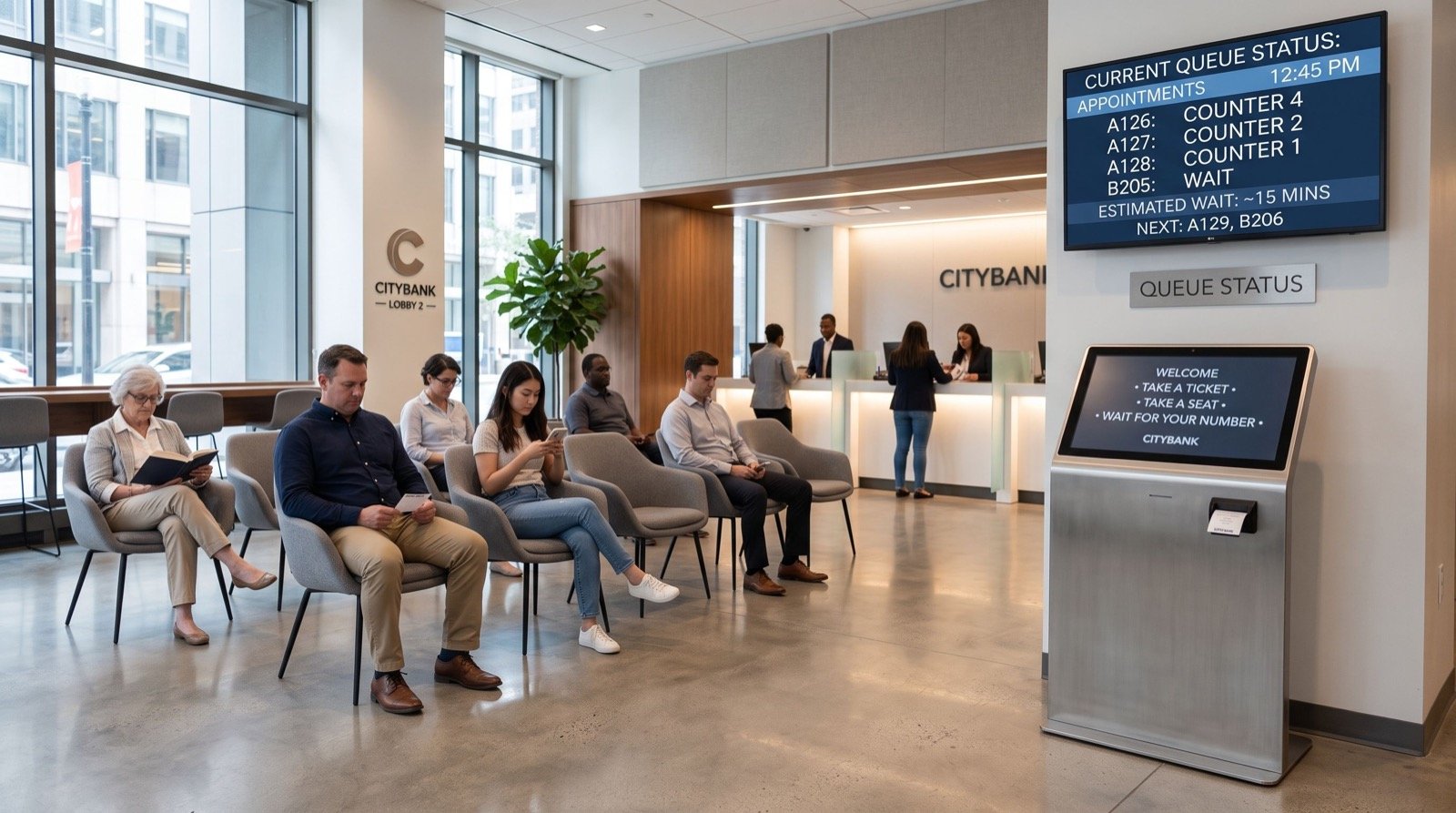
Consider a busy service counter with a ticket kiosk, display screens and a cloud booking system. A ten-minute outage causes customers to crowd the counter, staff to fall back on paper, and data to go missing. The cost is not just lost time. It is lost trust.
The Hidden Cost of Short Outages
Frequent short cuts are harder on equipment than one long outage. Servers reboot unsafely, hard drives corrupt and routers lose their configuration. A well-sized solar and battery system removes the switching events entirely.
Step One: Measure Your Critical Digital Load
Start by separating essential loads from comfort loads. Your digital core is usually small, which makes it cheap to protect.
| Equipment | Typical watts | Priority |
|---|---|---|
| Router, modem and switch | 40 | Critical |
| Queue kiosk or ticket printer | 60 | Critical |
| Display screens (three) | 150 | High |
| Small server or NAS | 120 | Critical |
| Staff computers (four) | 320 | High |
| Air conditioning | 1500 | Comfort |
The critical items total only about 220 watts. That means you can keep your queue system and network alive all night with a battery smaller than most people expect.
Step Two: Choose the Right Architecture
There are three common designs, and each suits a different budget.
- Online UPS only: protects against short cuts but not long ones.
- Hybrid solar with battery: daytime solar, battery for outages, grid as the last fallback.
- Off-grid for critical circuit: a dedicated solar and battery loop just for network and kiosks.
For most service businesses, the third option gives the best value. Place the critical circuit on its own distribution board so a fault elsewhere never touches it.
How Much Solar Does a Queue Management System Need?
A typical queue management system uses a kiosk, a counter display for each service window, a server and a small router. Together they rarely pass 500 watts. A 1.5 to 3 kW solar array with a 5 kWh battery can keep that load running through a full working day and a long evening.
The Kingdom of Saudi Arabia has pushed digital queueing hard, and our network has looked at what makes those systems valuable. If you are considering one, read about the perks in this guide from trusted professionals who have studied the sector. Then make sure whatever you buy has power underneath it.
Step Three: Pick a Local Partner Who Can Service the System
A solar system is not a one-time purchase. Inverter firmware updates, battery checks and panel cleaning continue for years, so geography matters.
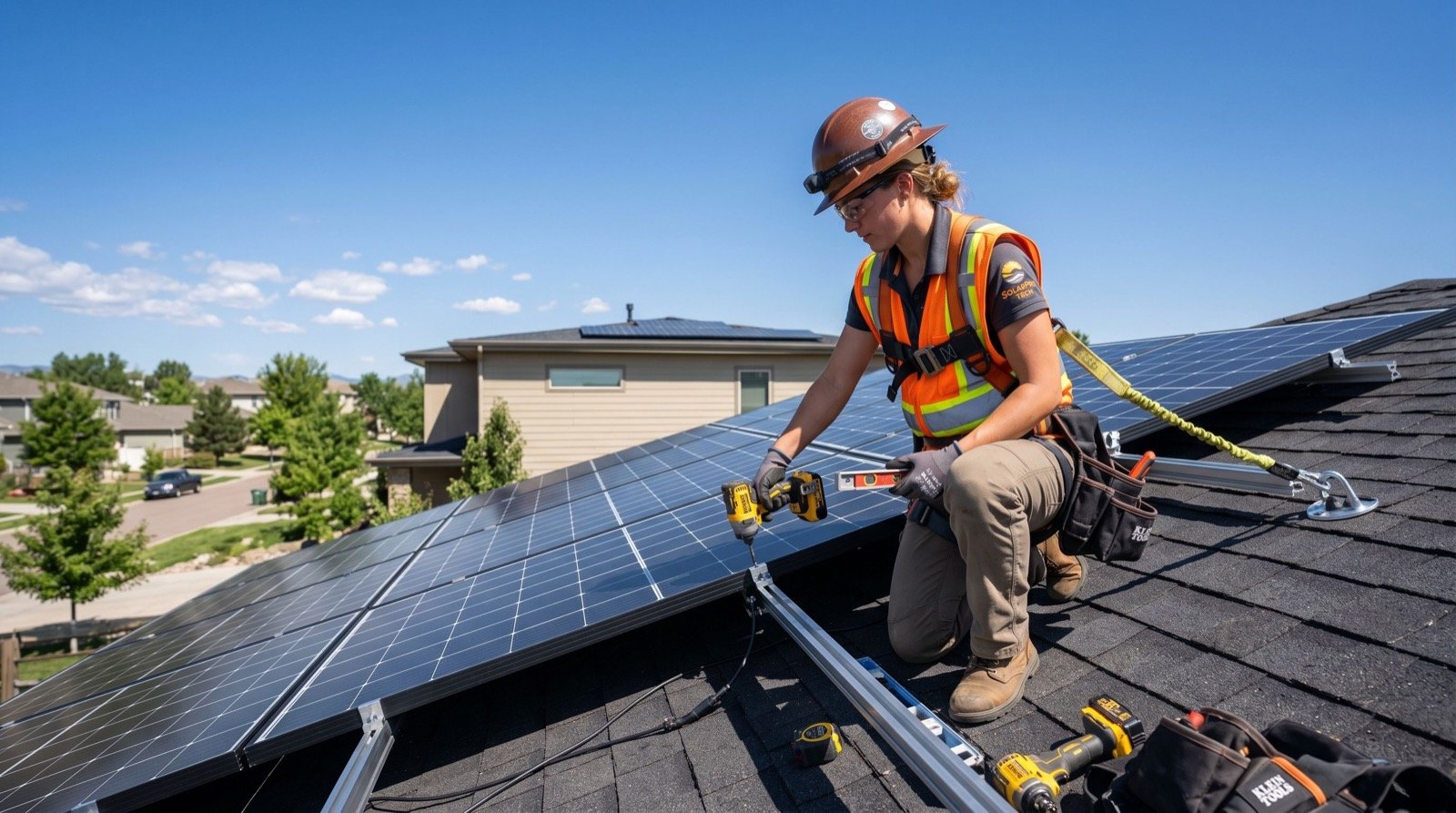
If your branches sit in the north, a provider offering solar panels in Sialkot can reach industrial and commercial sites quickly. For businesses in the southwest, such as logistics firms and retail chains, solar installation in Quetta needs to deal with high altitude, cold winters and long supply lines, so ask the installer about winter yield and spare parts.
Questions to Ask Any Installer
- Can the critical circuit run independently of the main grid?
- What is the changeover time when the grid fails?
- Does the inverter provide remote monitoring and alerts?
- Who handles warranty claims, and how quickly?
- Can the battery be expanded later without replacing the inverter?
Step Four: Protect the Network and Data
Power resilience is wasted if the internet link itself depends on a single fragile connection. Pair your solar circuit with a second internet provider, ideally a mobile data failover on a different network.
Also check your upstream equipment. A fibre cabinet in the street may lose power even when your office does not, so ask your provider whether their node has battery backup.
One practical tip from our experience: label every power cable at both ends and keep a laminated one-page diagram of the critical circuit. During a fault, staff then know exactly what to check without calling anyone.
Is Solar Worth It for a Small Digital Setup?
Yes, when outages cost you more than the system. Estimate the revenue you lose per hour of downtime, multiply by the hours of outage you suffer each month, and compare with the monthly cost of the system over its life. For many service counters, the answer is clear within months.
Global research backs the economics. The International Renewable Energy Agency tracks falling costs for solar generation worldwide: IRENA solar energy overview.
Step Five: Monitor and Test Quarterly
- Simulate a grid failure by switching off the mains once a quarter.
- Check battery health and temperature in the inverter app.
- Clean the panels before the dry season.
- Review the logs for unexplained reboots.
Frequently Asked Questions
What does digital readiness mean for a small business?
It means your people, processes and equipment can run your digital services reliably. Stable power and internet are the foundation of that readiness.
How long can a battery keep a queue system running?
With a 5 kWh battery and a 300 watt critical load, you get roughly 12 to 14 hours after allowing for inverter losses. Larger batteries extend that proportionally.
Do I need net metering for a business?
Not necessarily. Many service businesses prefer to use all generated power on site and skip export, especially when load is steady through the day.
Can I add solar to an existing UPS setup?
Often yes. A hybrid inverter can replace or work alongside the UPS, but check compatibility before buying.
Conclusion
Digital readiness solar planning begins with a short load list and ends with a tested, monitored system. Protect the small critical circuit first, choose a partner who can service it locally, and test it every quarter. Do that in 2026 and your digital services will keep running when everything around them goes dark.